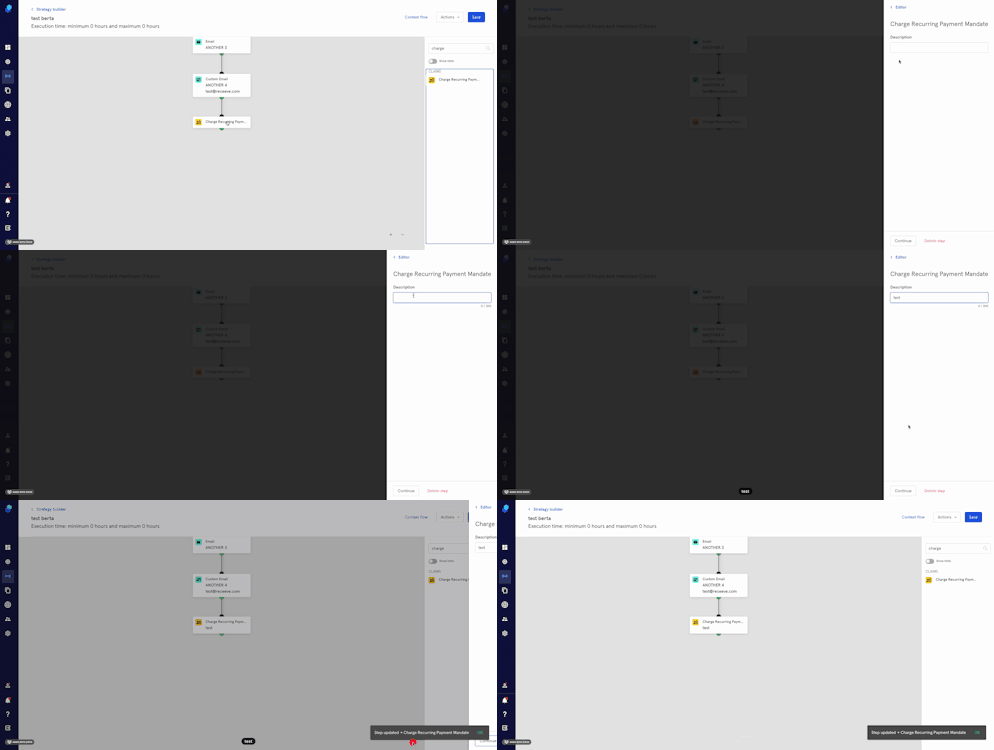
Step: Charge Payment Mandate
You can add the 'Charge payment mandate' strategy step to create a recurring payment mandate. If the claim going through this step has a payment mandate, then the recurring payment will take place automatically.
If the payment mandate from the strategy step triggers a 3D secure flow by the card issuing bank, then the 3D secure authentication has to be completed for the payment transaction to be successful.
Creating the step
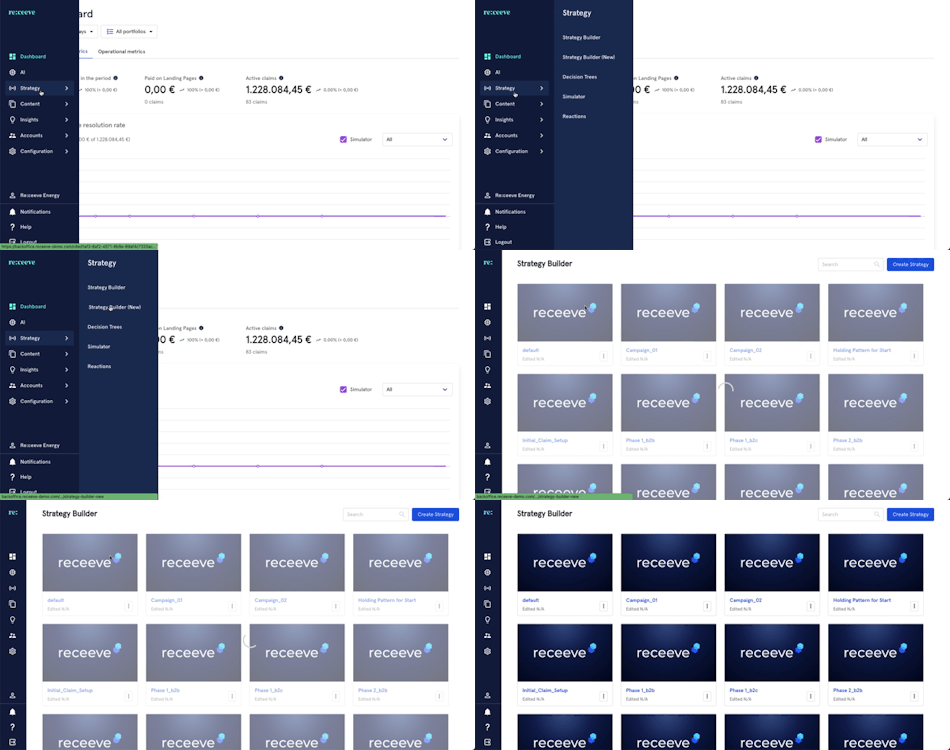
- Click Strategy from the menu and then proceed to Strategy Builder.
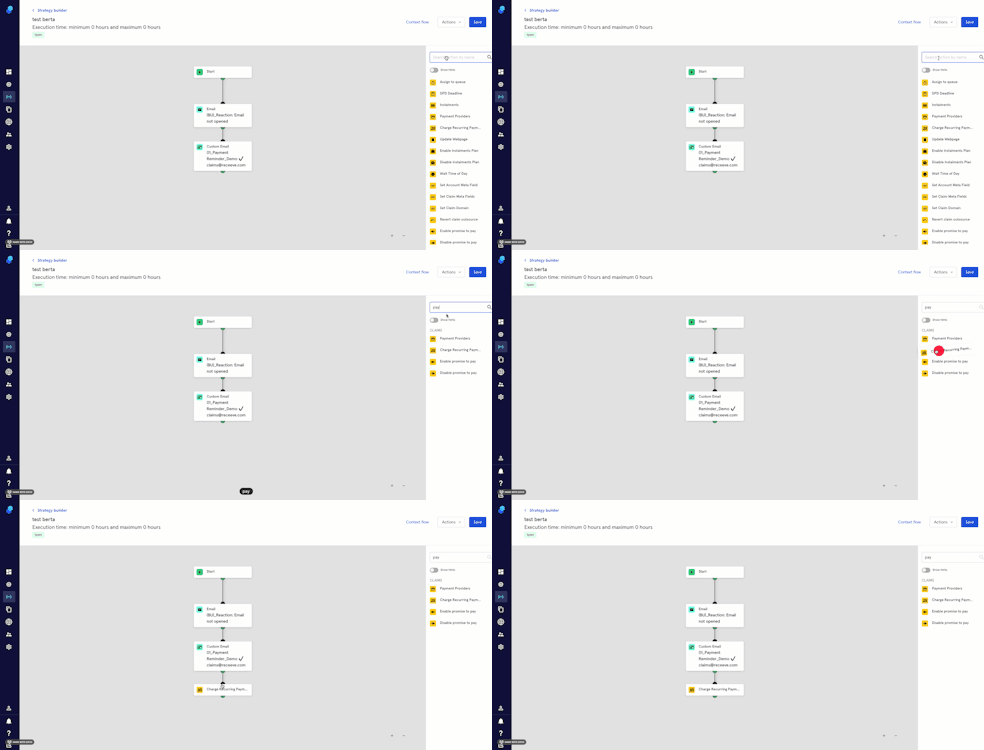
- On the step library, locate the 'Charge payment mandate' step under the Claims section (Yellow) and then drag it to your strategy. You may also look for the step by typing in the Search box.
- Click on the step; a modal will appear on the right side of your screen.
- Add a description.
- Click on 'Continue' to proceed or click on 'Delete step' to delete it.