Step: Create Workflow
The ‘Create Workflow’ step is used to set-up a sequential process of tasks, or what we call a Workflow, in your strategy. Adding this step will execute the attached workflow in your strategy.
To do this, find Strategy from the menu and go to Strategy Builder.
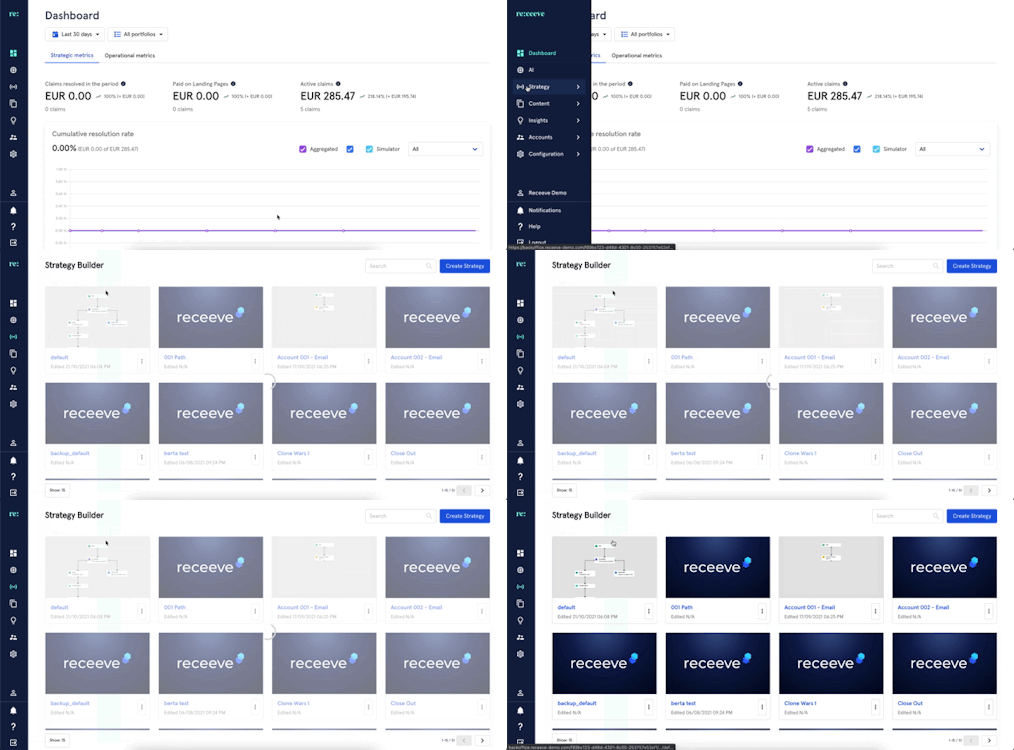
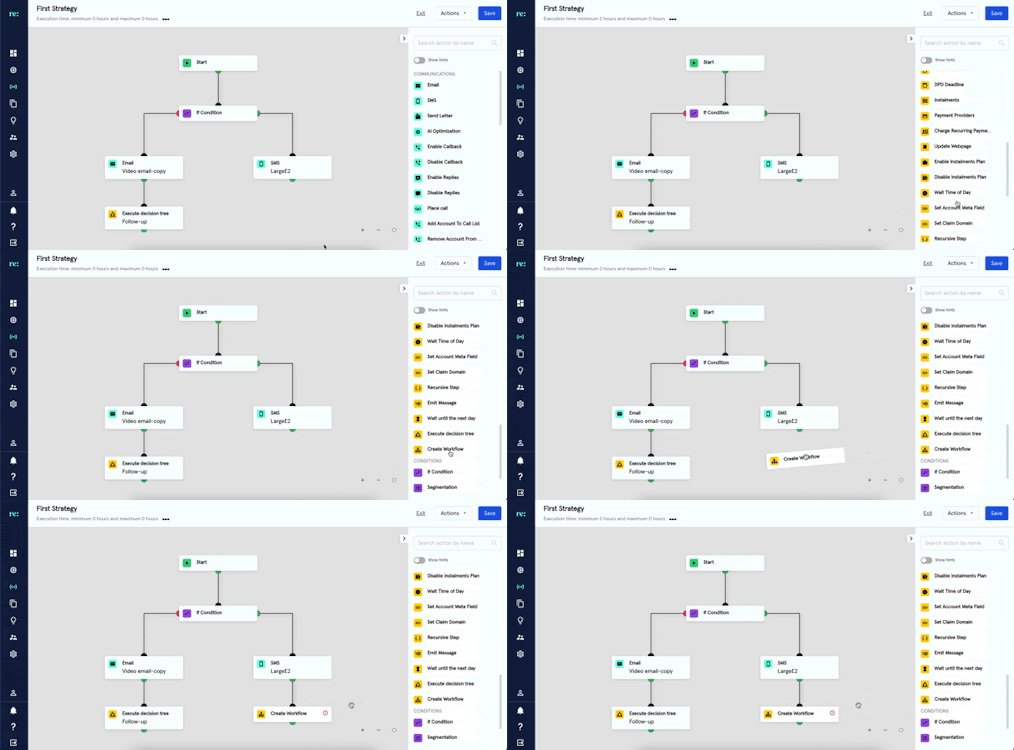
In the steps library, look for the ‘Create Workflow’ step under the Claims section. This step is presented with a yellow icon. Click and then drag onto the strategy.
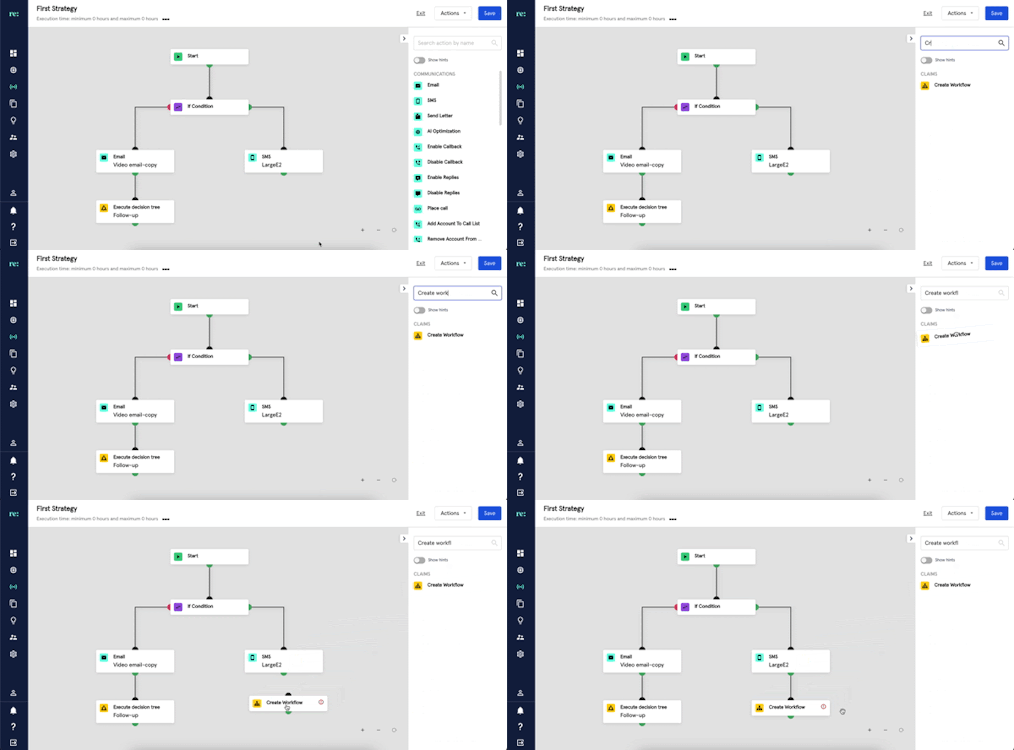
You may also look for Create Workflow by typing it at the search bar.
After linking the step to the strategy, do the following actions to set-up the ‘Create Workflow’:
- Click the ‘Create Workflow’ from the strategy and add a description.
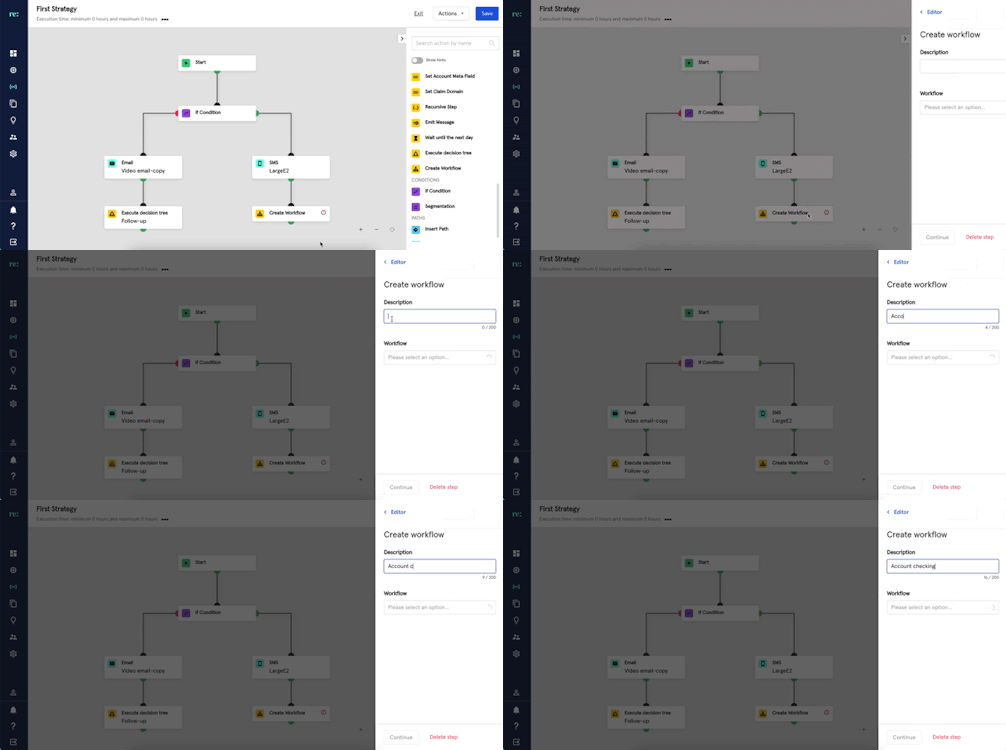
- Next, select a Workflow that you have previously built from the drop-down menu. To learn how to build a workflow, please read this article.
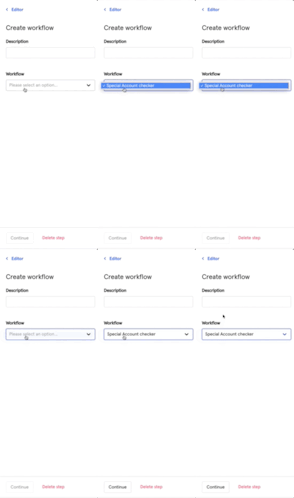
- Click 'Continue' to save the step configuration.

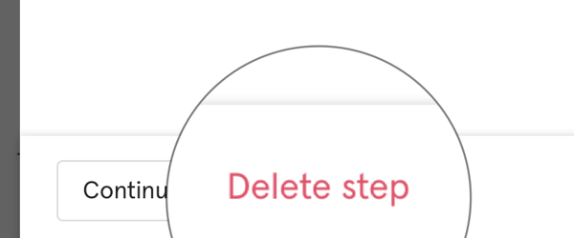
- A ‘Create Workflow’ step may also be deleted by clicking the ‘Delete Step’.
It is important to note that claims within the same account will be affected by the Workflow process.