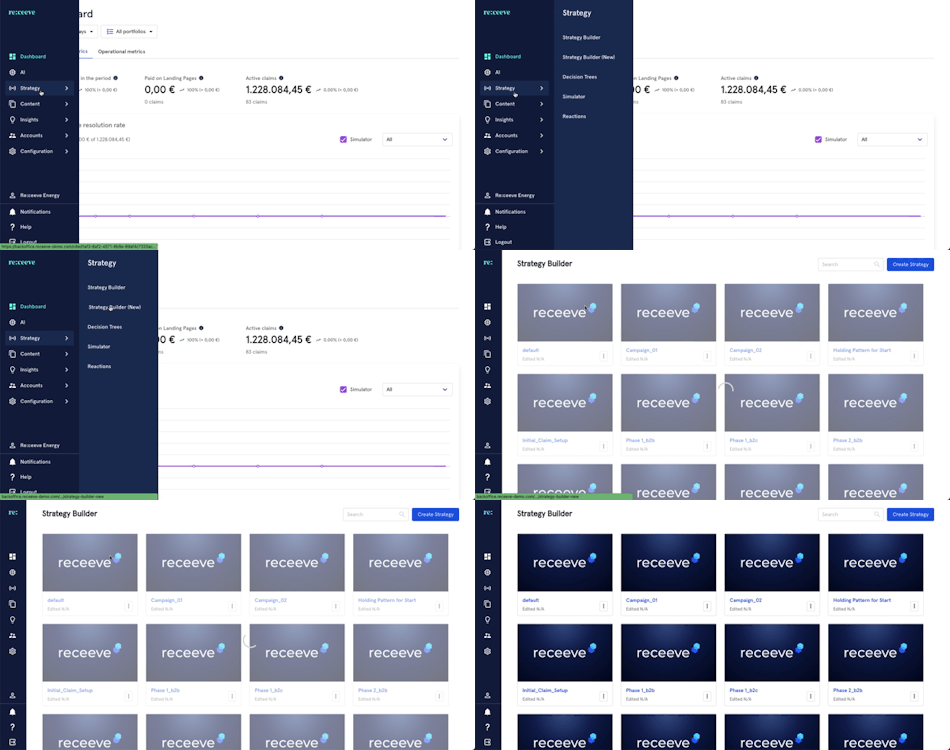
Click Strategy from the menu and then proceed to Strategy Builder.
Go to an existing strategy or create a new strategy.
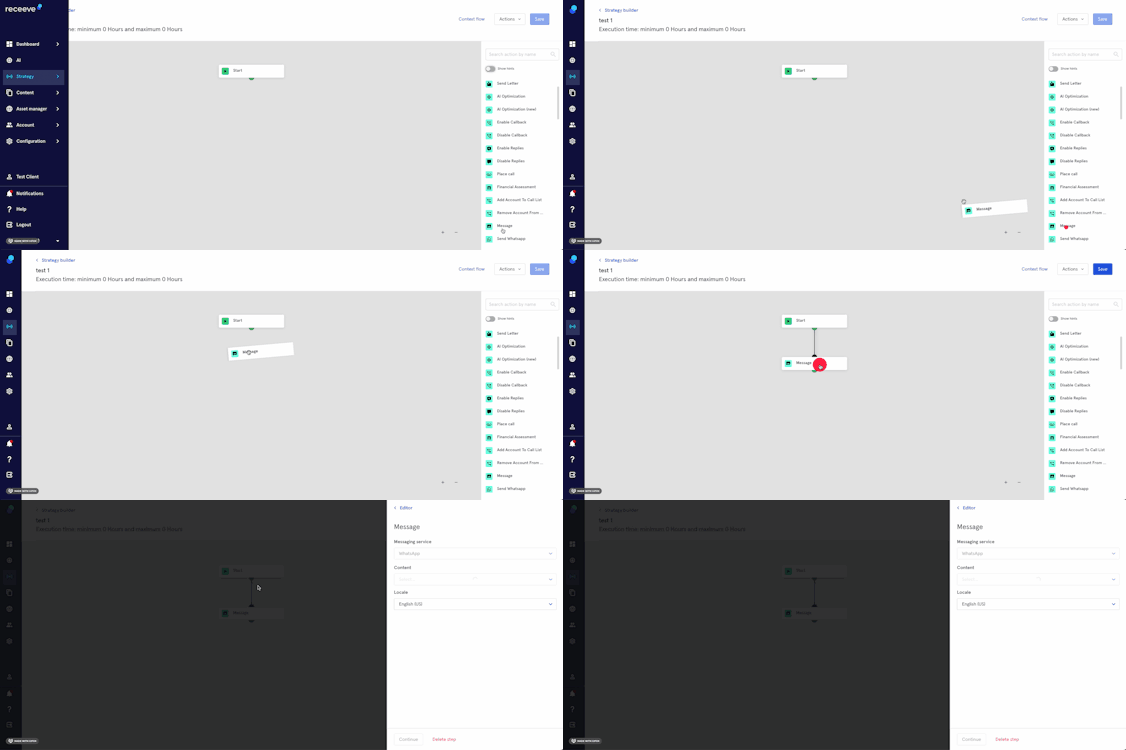
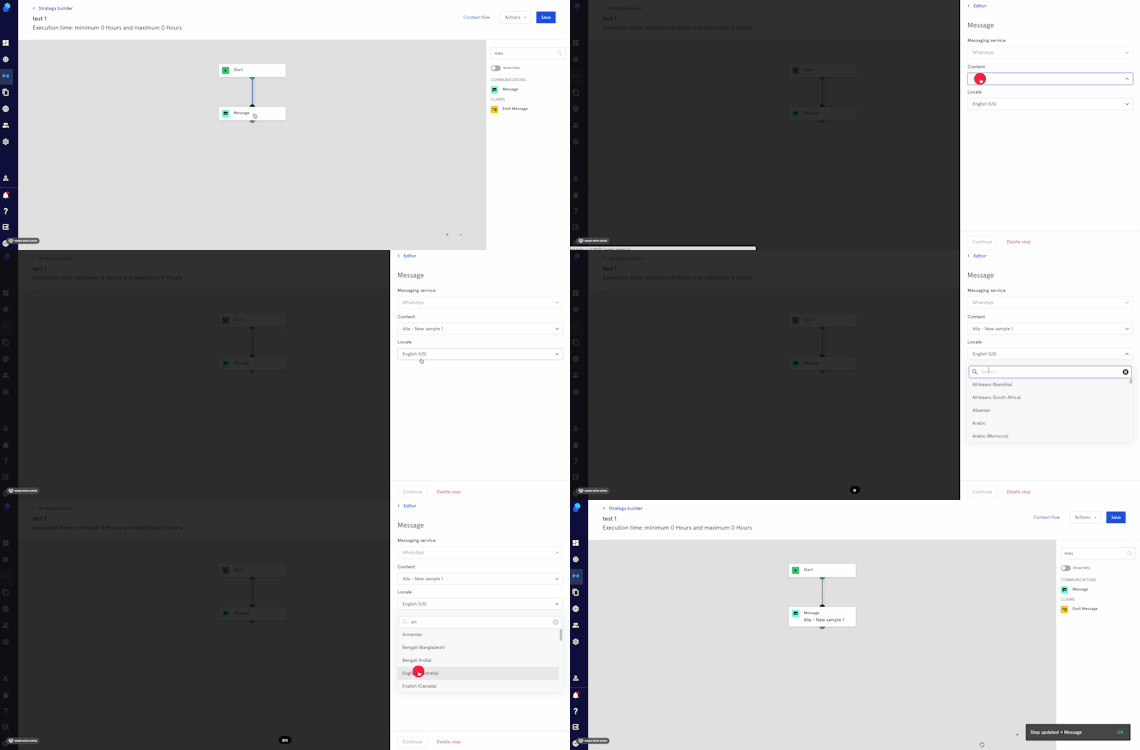
In the step library, locate the 'message' step under the Communications section (Green) and then drag it to your strategy. You may also look for the step by typing in the Search box.
Click on the step; a modal will appear on the right side of your screen.
Choose the messaging service you'd like to use (As of now only Whatsapp)
Choose the content which you have previously created in the messaging builder. A tag will show whether the message is simple or advanced.
Choose locale.
Click on 'Continue' to proceed or click on 'Delete step' to delete it.