Step type: Recursive Step
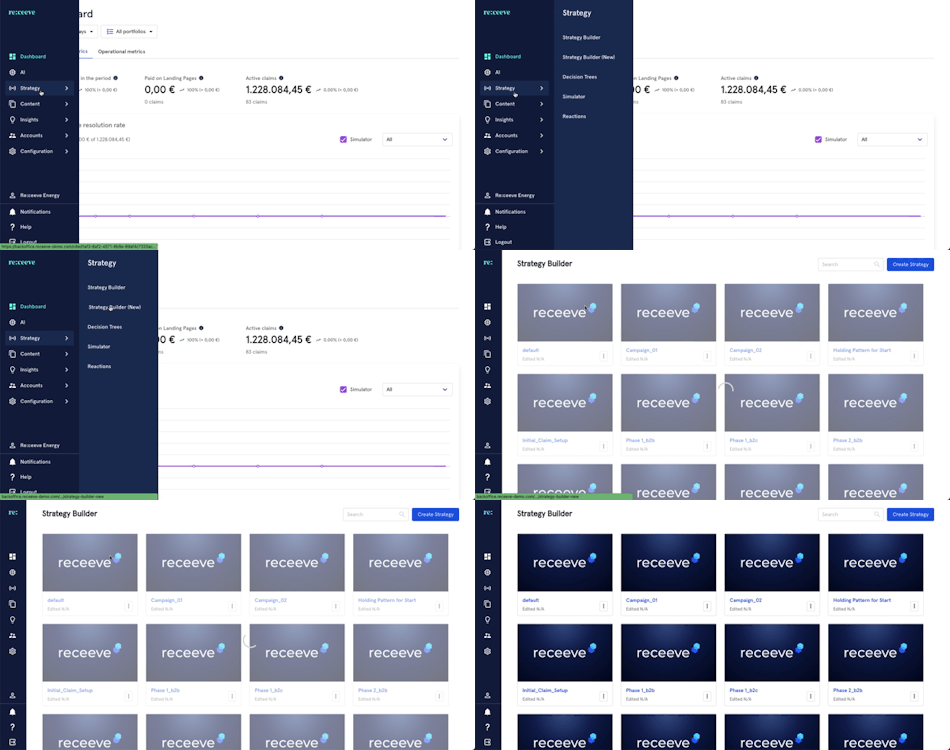
The ‘Recursive Step’ is used to create a repeating process in a strategy. To start, go to Strategy and click the Strategy Builder from the menu.
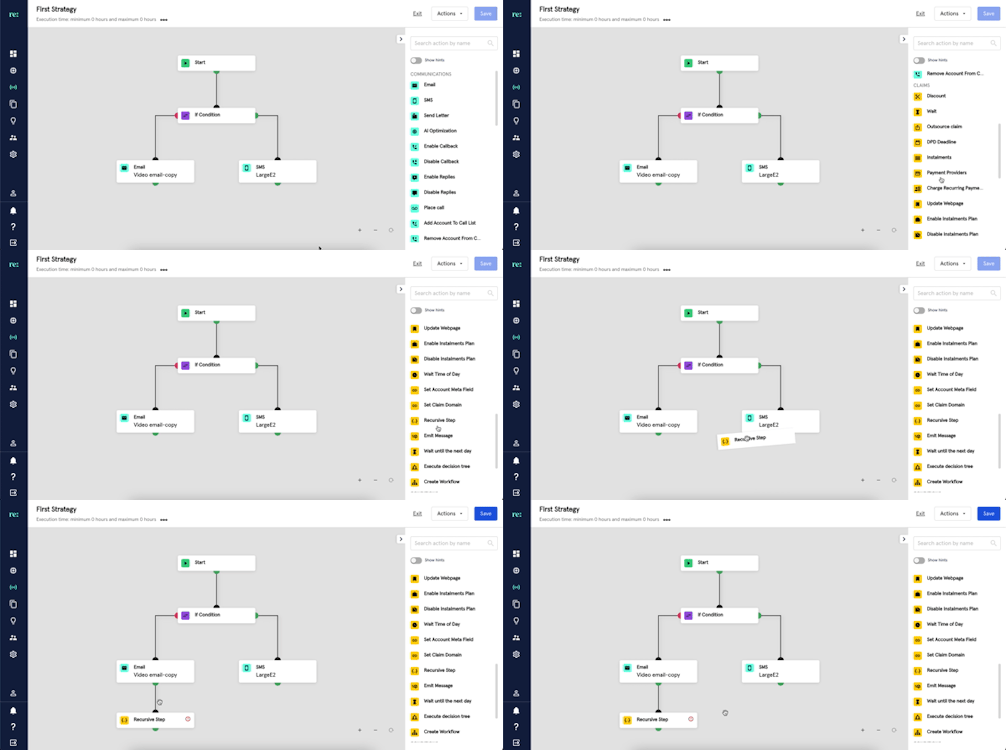
Find the ‘Recursive Step’ in the steps library under the Claims category. This step is identified by a yellow icon.
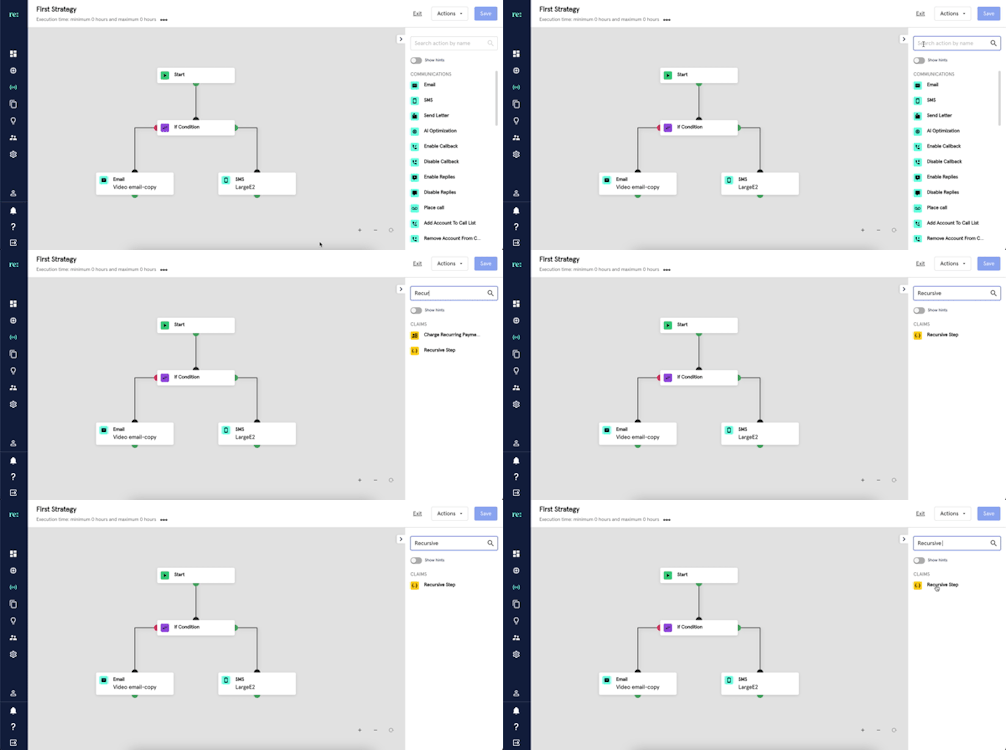
You may also look for Recursive Step by typing it at the search bar.
After linking the step to the strategy, follow the procedure below in setting-up the ‘Recursive Step’:
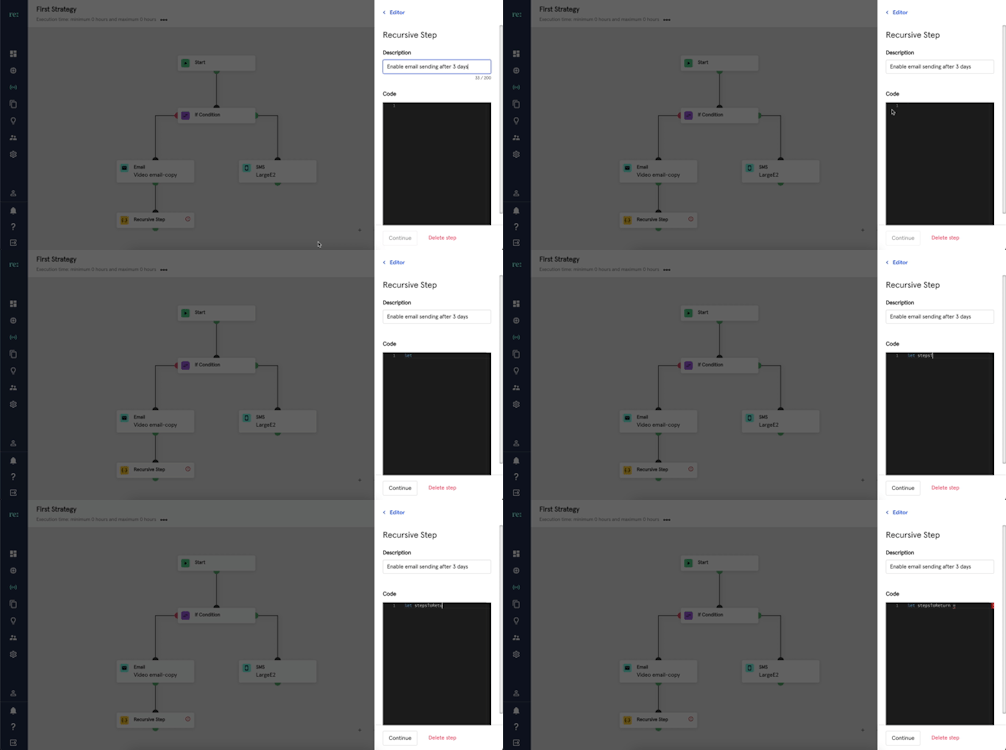
- Click the ‘Recursive Step’ from the strategy space and add a description.
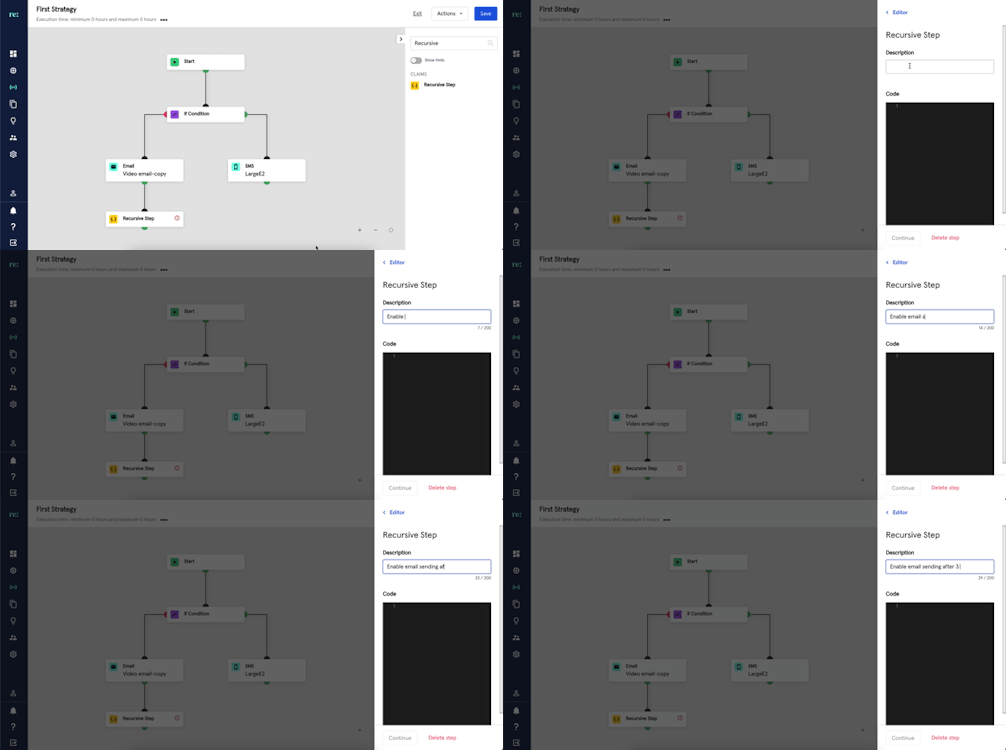
- Add a Javascript code to define what the added Recursive Step will do
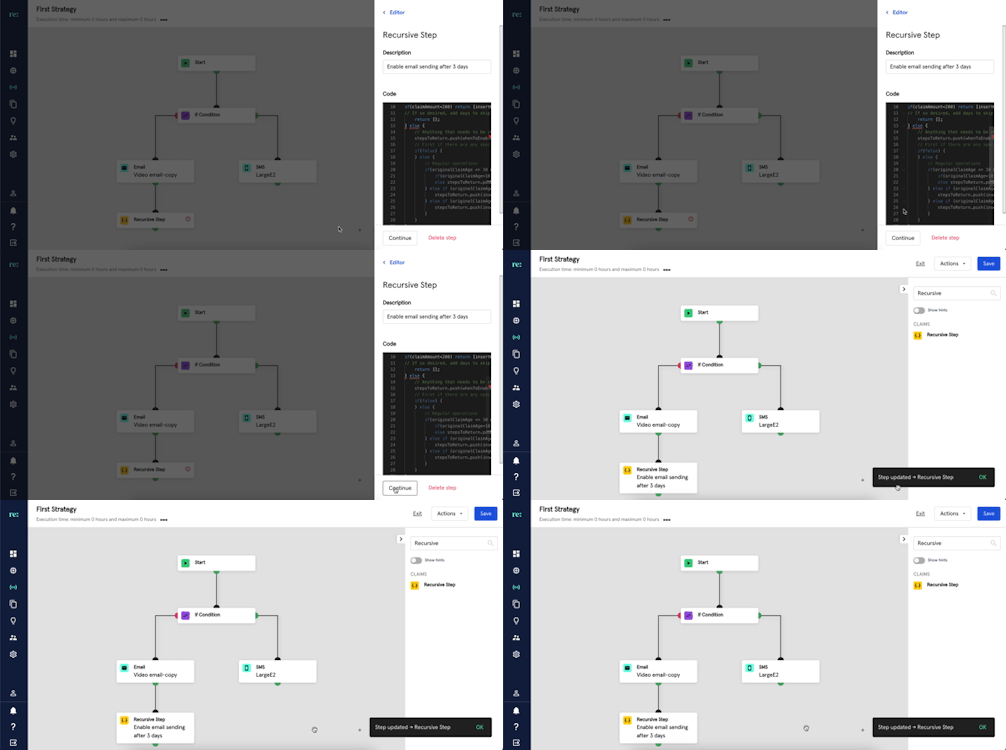
- Click the Continue button to save changes.
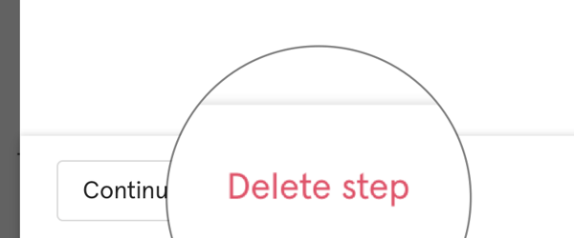
- Added ‘Recursive Step’ may also be deleted by clicking the Delete Step button.
If you’d like to have a more technical perspective, please check this article