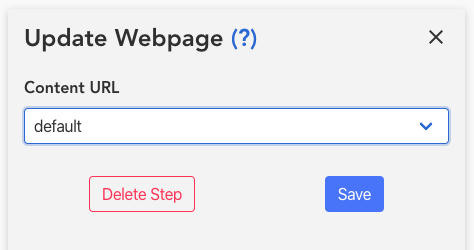
Step Type: Set Landing Page Content
This step allows you to change the content on the page that people visit from the communications. For example:
You would like to offer specific content during the second step for 48 hours, like a chance to waive late fees. You change the content on the page to match that (fees waived for 48 hours). The messages go out. You put a delay of 48 hours in the path, and then another one of these steps in order to change the content back to the original one, because the offer has expired.
Creating the Step
First select the step "Update Webpage"

Then simply select the LP Content that you would like to use when the claim reaches this step.