Usage limits
To keep the assistant fast and fair for everyone on your team, AI usage is rate-limited per team. The current usage is shown above the chat input:
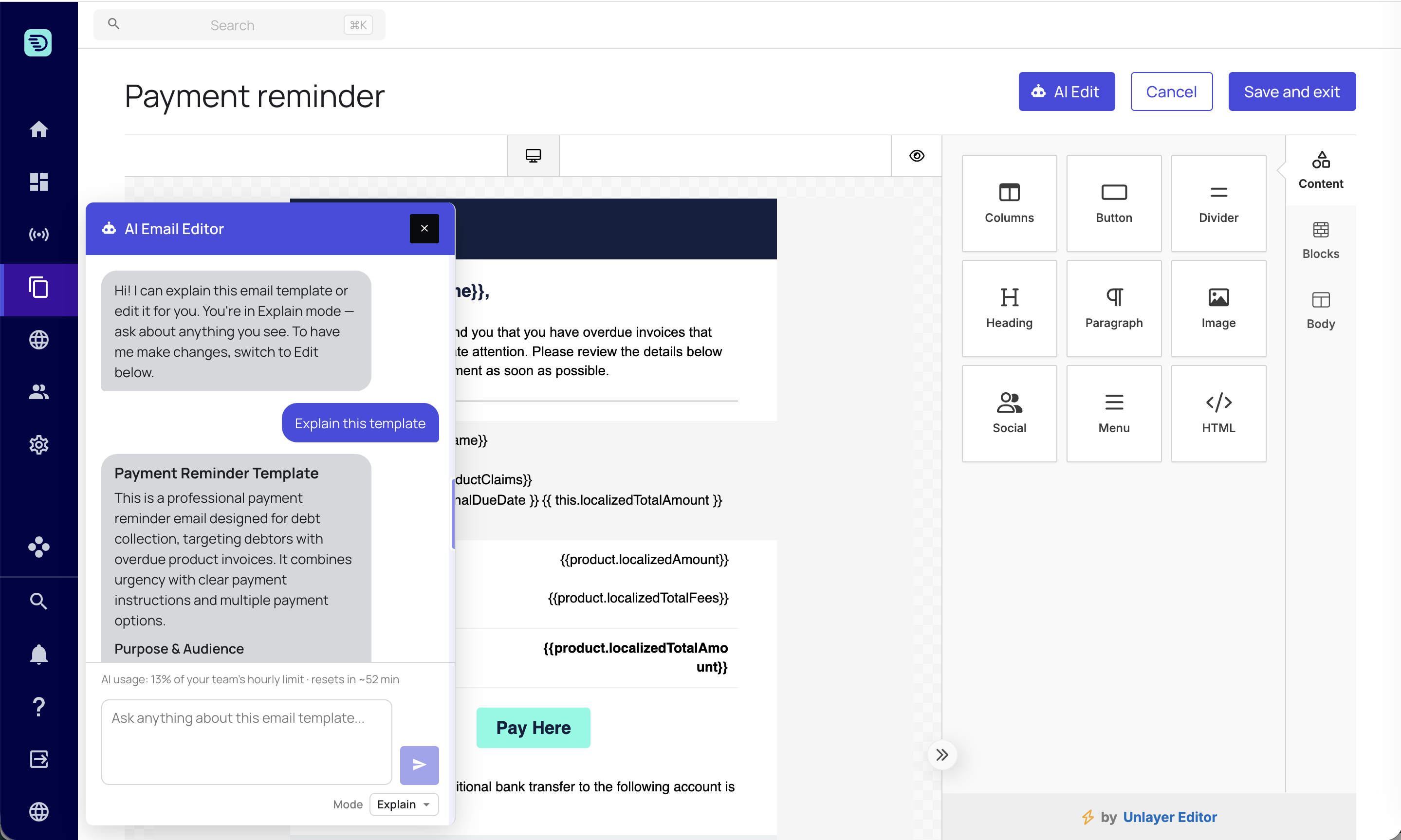
AI usage: 5% of your team's hourly limit · resets in ~12 min
A few things to know:
- The limit is shared across your team, not per individual user — and it's shared across all of Receive's AI assistants, not just the email one.
- It is measured over a rolling hourly window, and the indicator shows when it resets.
- Each request — whether explaining or editing — counts toward the limit.
- As you approach the limit, the assistant shows a heads-up warning so it isn't a surprise.
When the limit is reached
If your team reaches its hourly limit, the assistant pauses and the Send button is disabled, with a message telling you roughly when it resets. Once the window resets, sending is automatically re-enabled. Your email and any unsaved changes are unaffected.
If a request doesn't complete
If a request fails or times out, the assistant tells you and your email is left untouched — no partial edits are applied. It shows a support request ID you can quote if you need help. Because nothing is saved automatically, a failed request can never leave your saved template in a bad state.
A few clear instructions are more economical than many tiny ones. You can also describe several changes in a single prompt — see Edit your email.