Usage limits & availability
Availability
The AI Strategy Editor is rolled out gradually and may need to be enabled for your account. If you don't see the AI Edit button in the Strategy Builder header, the feature isn't switched on for you yet — contact your Customer Success Manager or the InDebted team to request access.
Usage limits
To keep the assistant fast and fair for everyone on your team, AI usage is rate-limited per team. The current usage is shown above the chat input:
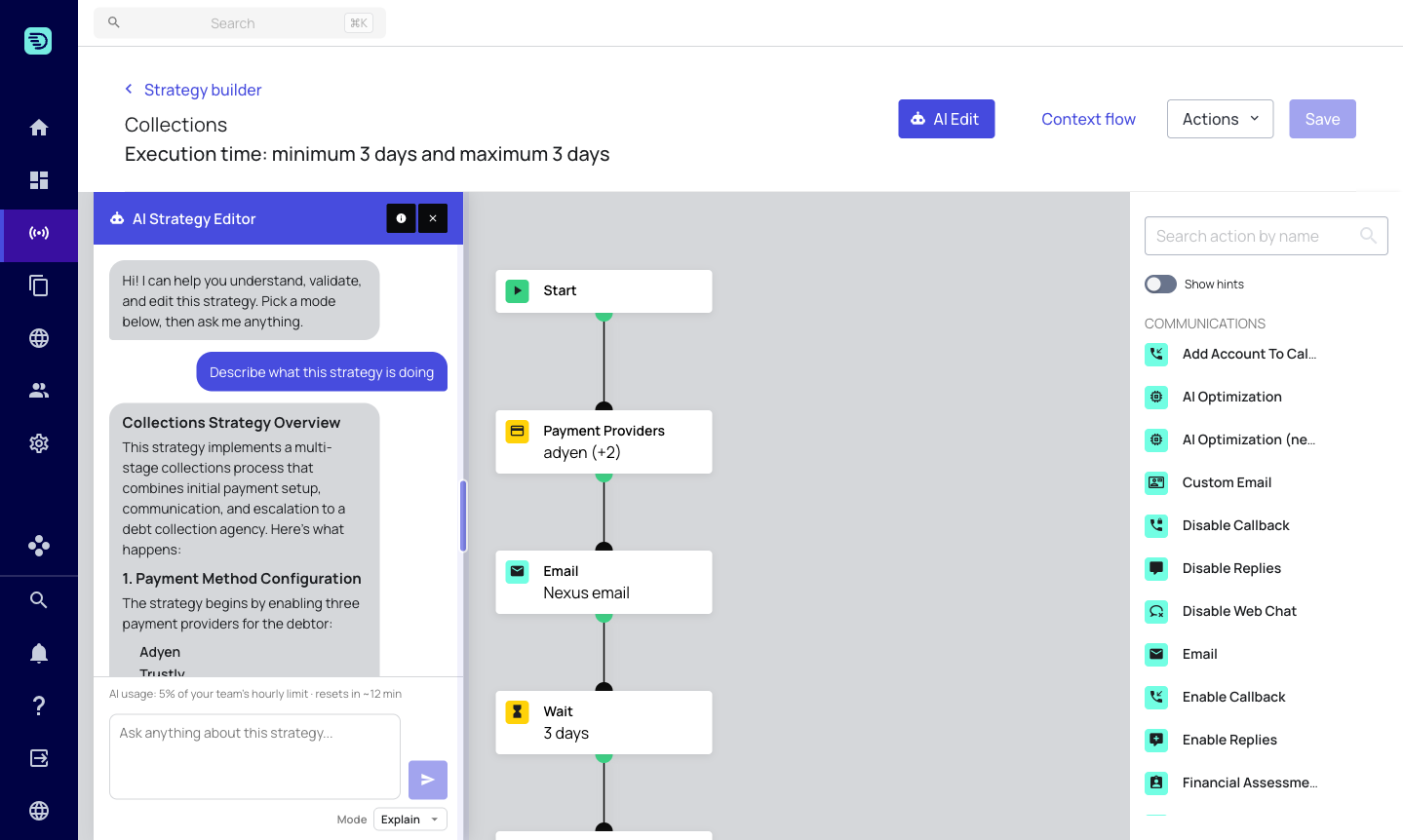
AI usage: 5% of your team's hourly limit · resets in ~12 min
A few things to know:
- The limit is shared across your team, not per individual user.
- It is measured over a rolling window and the indicator shows when it resets.
- Each request — explaining, validating, or editing — counts toward the limit.
- If the limit is reached, the assistant pauses until the window resets; your strategy and any unsaved changes are unaffected.
If a request doesn't complete
If a request fails or times out, the assistant tells you and your strategy is left untouched — no partial edits are applied. Simply try again. Because nothing is saved automatically, a failed request can never leave your saved strategy in a bad state.
Editing in a few clear instructions is more economical than many tiny ones. You can also describe several changes in a single prompt — see Edit your strategy.